Navigate
Your room · auto-filled
Edit Roads

Click empty road space to drop a node. Click one node then another to connect/disconnect them. Drag a node to move it. Select a node then "Delete Node" to remove it.

Entry Points

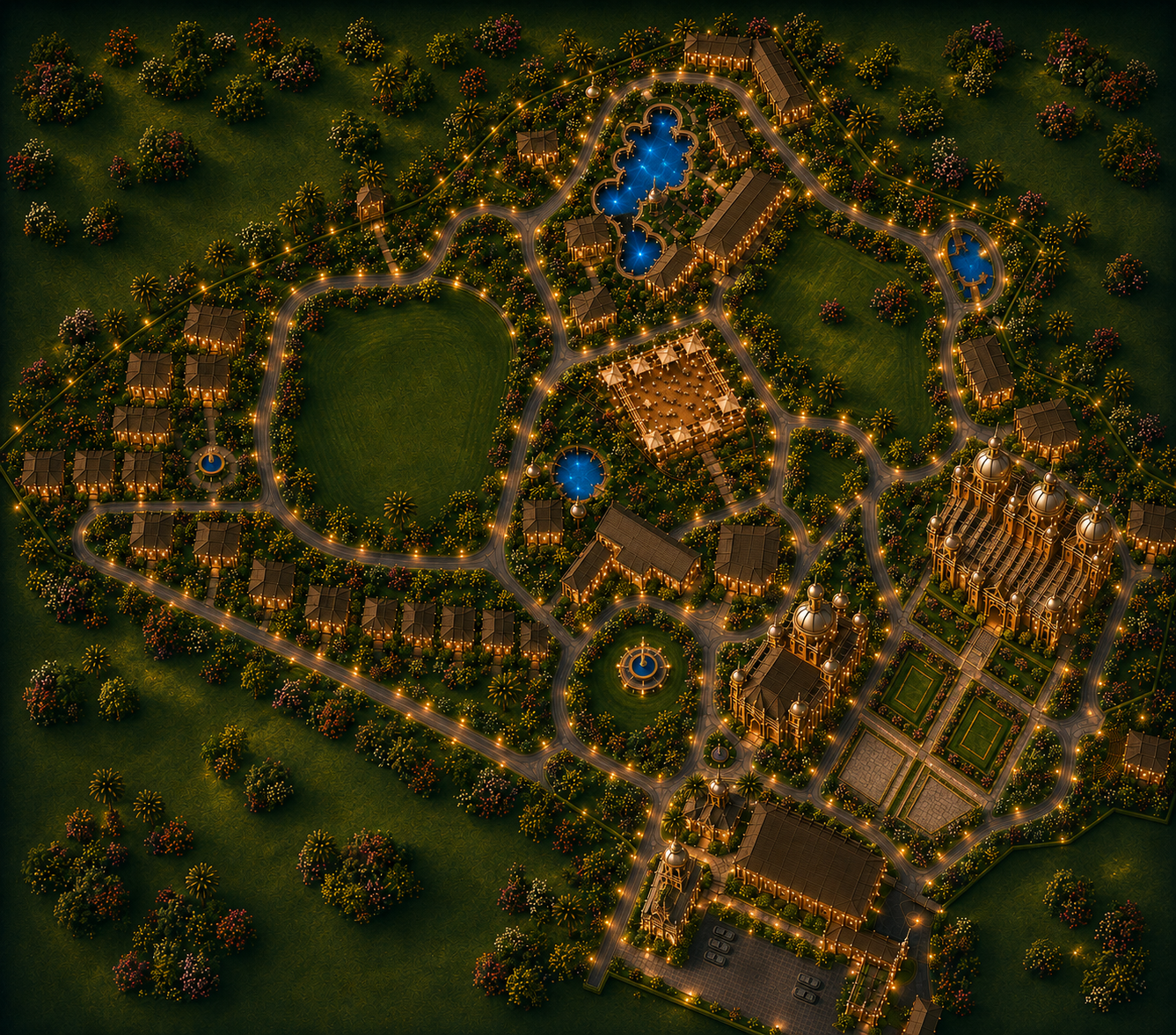
Pick a destination below. Click its road-facing point on the map — click directly on a grey road dot to snap exactly onto that road, or click/drag anywhere else to fine-tune freely.

Resort map
Edit Mode

Drag the gold dots to reshape a corner. Drag inside the shape to move the whole thing. Use "Redraw From Scratch" only if you want to trace an entirely new outline.